When you run a tech business, it’s easy to drift away from the craft. Your days fill up with clients, hiring and cash flow, and the building gets done by other people. At Scorchsoft we design and build apps, portals and AI products for clients, and most of my week goes on keeping that work under control.
AI moves too fast to understand from a distance, though. So I keep building things myself. It keeps my skills sharp, and when I advise a client on an AI project, I’m speaking from things I’ve built and shipped, not from a vendor’s slides. Here are six of them, roughly from smallest to largest.
Text-to-Mic: a voice for people who’ve lost theirs
Text-to-Mic started when a member of our team lost their voice and needed a better way to take part in meetings. You type a message, or speak one and let AI tidy it up, and the app reads it aloud in a natural voice through a virtual microphone, so it comes out in Zoom or Teams like anyone else’s. It runs on Windows and Mac, and it’s free and open source.
It’s a small desktop app, but it matters to the people who use it. One wrote to say: “you have also given people with no voice a voice.”
Quick Whisper: speak, and it types
With Quick Whisper, you press a keyboard shortcut and speak, and it transcribes what you said with OpenAI’s Whisper model, copy-edits it if you want, and pastes it wherever your cursor is. It’s a free, open-source alternative to paid dictation apps, for Windows and Linux.
Both are Python desktop apps. Building them taught me how much a small, focused tool can change someone’s day.
SpeakCut: one take in, a finished video out
SpeakCut began as a weekend project. You record yourself talking to camera in one take, and it does the editing: it cuts silences and false starts, keeps you framed, zooms in on key moments, adds word-timed captions and, where they help, generates visual explainer cards. There’s a teleprompter built in for when you’re working from a script.
It’s a native Android app in open beta. You bring your own OpenAI and Google API keys, and it shows you an estimate of the cost before each run, because a pipeline of AI steps can quietly get expensive. There’s more detail in Scorchsoft’s case study.
SocialTools: an agentic content engine
SocialTools is the most autonomous thing I’ve built. On a schedule, it reads each brand’s sources and profile, decides what’s worth posting, writes the copy, generates an image and queues the post for LinkedIn, X or Threads. It can also write long-form articles, and it keeps a separate voice for each brand it manages.
The hard part of agentic AI isn’t getting it to act; it’s deciding how far to trust it. SocialTools can run unattended or stop for a person to approve each post, and it works from a library of real source material rather than inventing things. Those two choices, human review and grounded sources, are what make an autonomous system safe to leave running.
StartupTools: from a rough idea to a plan
StartupTools is for founders with a promising idea who need to explain it clearly to a developer or an investor. It walks them through AI brainstorming, AI-generated wireframes, a statement-of-work generator, a check on how many people search for the problem, and a directory of UK investors. Three free assessments sit alongside it: a Startup Readiness Score, an AI Opportunity Score and an AI Disruption Score. Scorchsoft has a case study on it too.
It’s the software version of my first book, Execute Your Tech Idea.
ControlStandard.Tools: the book, as software
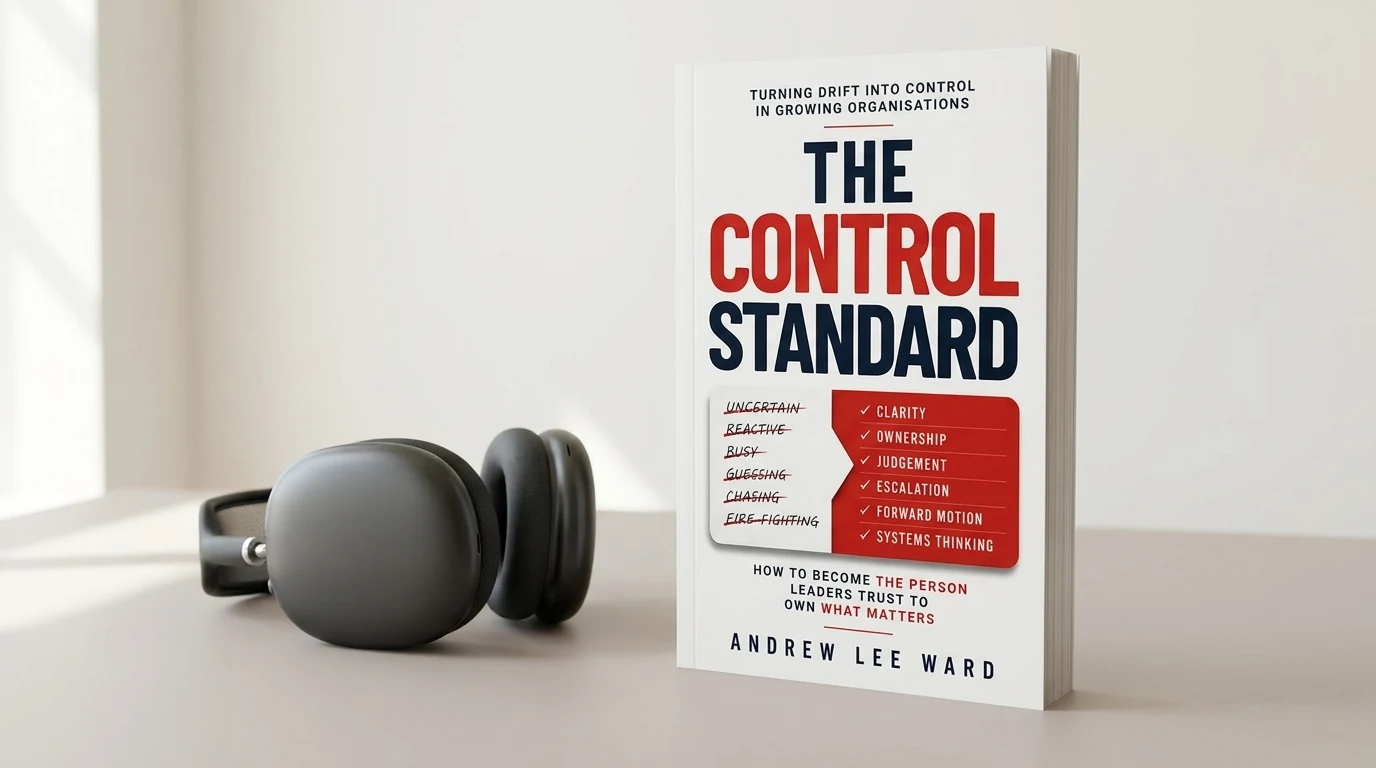
ControlStandard.Tools is the companion to my latest book, The Control Standard. The book argues that four things keep work under control: owners, dated next steps, decisions and escalations, and fallbacks. The site turns that into tools. The free Drift Report scores a piece of work in five minutes, and the Pain Automation Score asks whether a job you keep repeating is worth building software for. Teams can go further, with a course for each chapter and a workspace for tracking control points across projects.
Why it matters
Building these keeps me close to the real questions: what AI is genuinely good at, where it costs more than it saves, and where a person still needs to stay in the loop. Those are the questions clients bring to Scorchsoft, and I’d rather answer them from experience.